
Managing Your Blinkit Store: Tips for Performance Optimization
By Ecomm11 Team ·
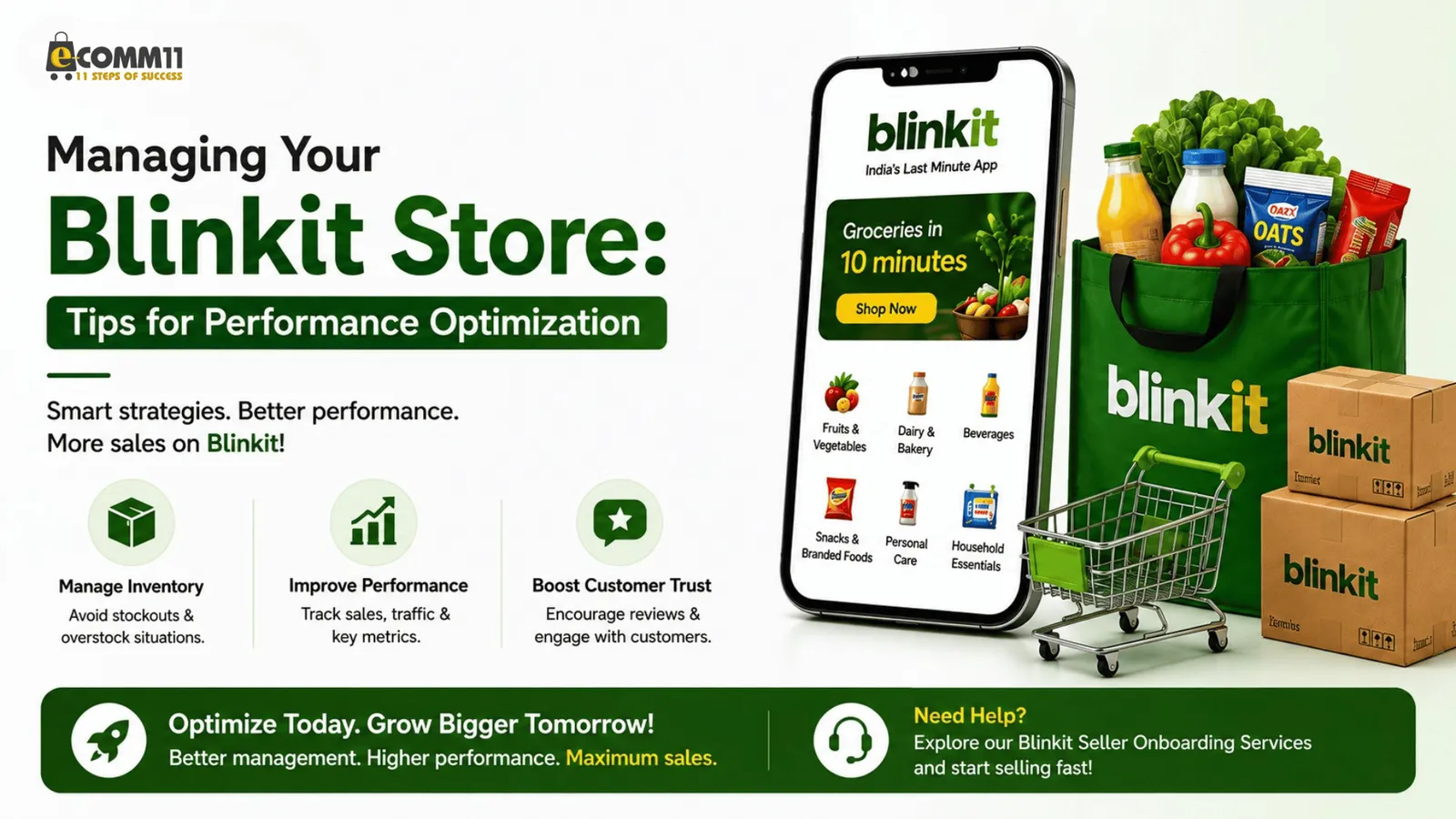
Managing a Blinkit store effectively is crucial for maximizing sales and enhancing customer satisfaction. With the right strategies, you can optimize your store’s performance and stand out among competitors. In this blog post, we will cover essential tips for managing your Blinkit store and ensuring it operates at peak efficiency.
Understanding the Blinkit Platform
Blinkit is an e-commerce platform that allows sellers to reach a vast audience quickly. To manage your store effectively, it is vital to understand the platform’s features and how they can be used for success.
- User-friendly Interface: Familiarize yourself with the easy-to-navigate dashboard.
- Inventory Management: Keep track of your stock levels to avoid stockouts or overstock situations.
- Analytics Tools: Use Blinkit’s analytics to monitor your sales trends and customer behavior.
Performance Optimization Techniques
Optimizing your Blinkit store’s performance involves several key practices. Here are some effective methods that can help:
1. Optimize Product Listings
Your product listings are essential for attracting customers and converting views into sales. Ensure that:
- Product titles are clear and include relevant keywords.
- Descriptions are detailed and highlight the features and benefits of each product.
- High-quality images are used to showcase your products attractively.
2. Use Customer Feedback
Customer reviews can significantly influence purchasing decisions. Encourage your buyers to leave feedback, and actively engage with it:
- Promote positive reviews in your marketing.
- Address negative feedback promptly and professionally.
3. Use Promotions and Discounts
Offering promotions can entice customers to make a purchase. Consider:
- Seasonal discounts to boost sales during peak shopping periods.
- Bundle deals that encourage customers to buy more.
4. Enhance Shipping Options
Fast and reliable shipping is a priority for many customers. Ensure your store offers:
- Multiple shipping options, including express delivery.
- Clear shipping information during the checkout process.
5. Monitor Performance Metrics
Regularly review your store’s performance metrics to identify areas for improvement. Key metrics to analyze include:
- Conversion rates: How many visitors are making purchases?
- Traffic sources: Where are your customers coming from?
- Average order value: Are customers buying multiple items?
What to do next
By implementing these tips for performance optimization, you can effectively manage your Blinkit store and enhance your overall sales strategy. Consistent monitoring and adapting to customer needs will help you stay competitive in the e-commerce space.
Ready to take your Blinkit store to the next stage? Consider using our Blinkit seller onboarding services to start selling fast and efficiently!
Related posts
A/B Testing Strategies to Optimise Shopify Facebook Ad Campaigns
eCommerceA step-by-step approach to A/B testing Shopify Facebook ads: what to test first, fair setup in Ads Manager, creative, audience, landing page and offer tests, and how to judge results.
Common Facebook Ads Mistakes Shopify Store Owners Must Avoid
eCommerceThe Facebook ads mistakes that quietly drain Shopify budgets, why each one hurts, and the fix for every one, from tracking and optimisation events to creative fatigue and exclusions.
Google Ads Performance Max Campaigns: A Practical Guide for Shopify Sellers
eCommerceA Shopify seller's guide to Performance Max: what the campaign needs from your feed and tracking, how to structure asset groups, control brand spend, set bids and judge results honestly.