
Calculating Your Earnings: Understanding Blinkit Seller Commissions
By Ecomm11 Team ·
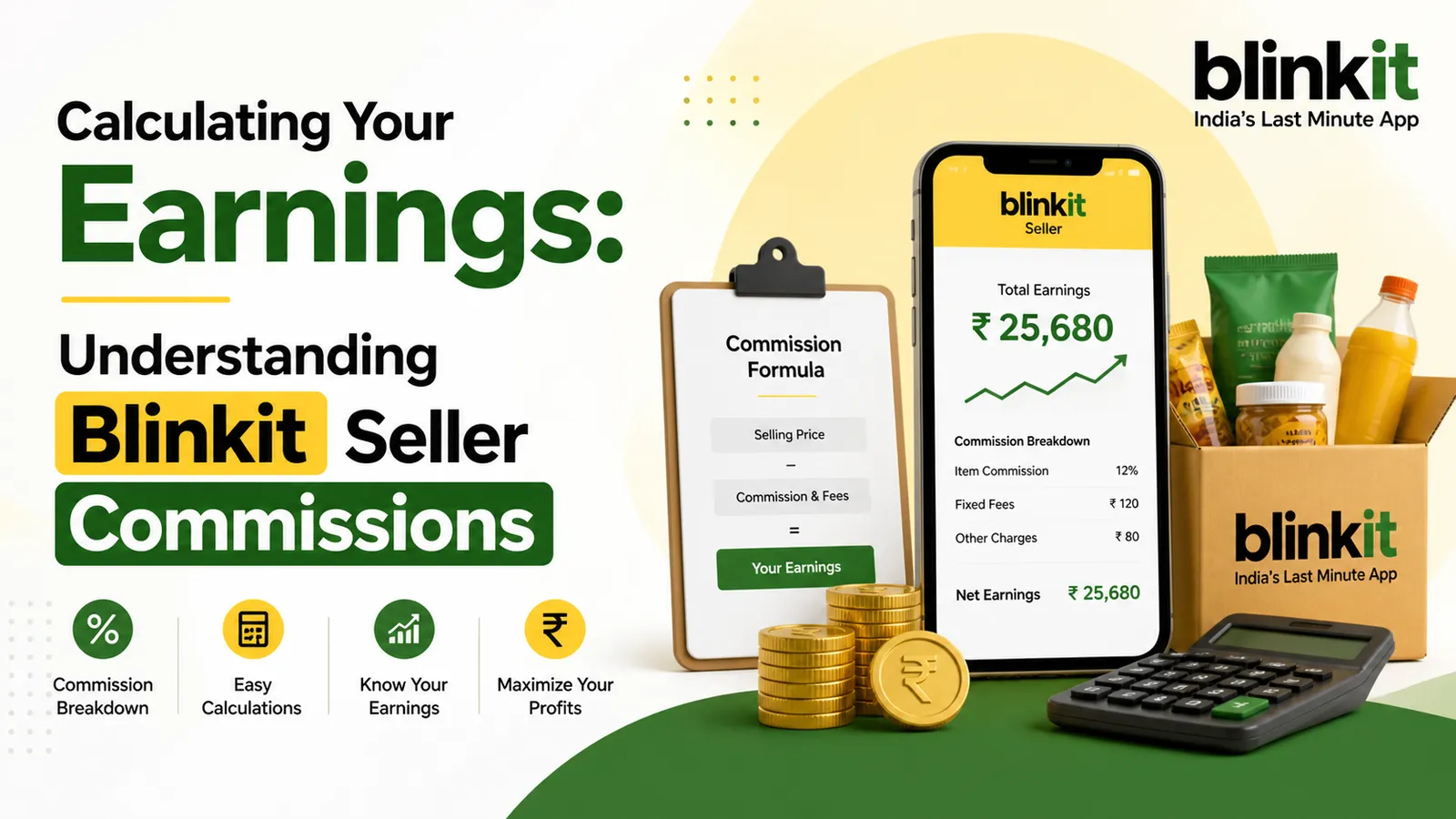
Calculating Your Earnings: A Clear Guide to Blinkit Seller Commissions
What Are Blinkit Seller Commissions?
Blinkit seller commissions are the fees charged by the platform for listing and selling products. These charges are not fixed across all items, they vary depending on several factors such as product category, demand trends, and ongoing promotional campaigns. At times, Blinkit may adjust commission rates to support marketing initiatives or boost sales in specific segments.
How Are Commissions Calculated?
To accurately understand your earnings, it’s essential to know what affects commission rates:
- Product Category: Each category (e.g., groceries, personal care, household items) has its own commission structure.
- Promotional Campaigns: During festive seasons or special sales, commission rates may be temporarily reduced to encourage higher sales.
- Sales Performance: Sellers with consistently high volumes or strong performance may benefit from better commission terms over time.
By keeping track of these factors, you can optimize your pricing and maximize your profits on Blinkit.
Detailed Calculation
Volume: 0 ft³
Inwarding Fee: ₹0
Storage Fee: ₹0
Fulfillment Fee: ₹0
Commission: ₹0
Total Fees: ₹0
Net Earnings: ₹0
Need help getting onboarded on Blinkit?
Our Blinkit seller onboarding service registers the account, submits KYC and GST and uploads your first listings for ₹4,500, paid in advance. Ongoing Blinkit account management covers catalogue, inwarding, availability and settlement checks after that.
Example Calculation
Let’s say you sell a product for ₹1,000 with a seller commission of 15%. Here’s how you would calculate your earnings:
- Selling Price = ₹1,000
- Seller Commission = 15% of ₹1,000 = ₹150
- Earned Amount = ₹1,000 – ₹150 = ₹850
Tips to Maximize Your Earnings
- Analyze Product Categories: Some categories might offer higher commission percentages; assess where you can make more profit.
- Track Sales Performance: Use analytics to see which of your products are selling best and adjust your inventory accordingly.
- Use Promotions: Participate in promotions that Blinkit offers to attract more buyers while reducing commission costs.Here you can also know everything about Blinkit seller onboarding duration
What to do next
Understanding Blinkit seller commissions is essential for maximizing your earnings as a small business owner. By calculating your earnings correctly and using strategies to maximize profit, you will have a clearer path to success in your e-commerce journey.
Ready to start selling and maximize your earnings on Blinkit? Check out our Blinkit seller onboarding services to get started today!
Need help getting onboarded on Blinkit?
Our Blinkit seller onboarding service registers the account, submits KYC and GST and uploads your first listings for ₹4,500, paid in advance. Ongoing Blinkit account management covers catalogue, inwarding, availability and settlement checks after that.
Related posts
A/B Testing Strategies to Optimise Shopify Facebook Ad Campaigns
eCommerceA step-by-step approach to A/B testing Shopify Facebook ads: what to test first, fair setup in Ads Manager, creative, audience, landing page and offer tests, and how to judge results.
Common Facebook Ads Mistakes Shopify Store Owners Must Avoid
eCommerceThe Facebook ads mistakes that quietly drain Shopify budgets, why each one hurts, and the fix for every one, from tracking and optimisation events to creative fatigue and exclusions.
Google Ads Performance Max Campaigns: A Practical Guide for Shopify Sellers
eCommerceA Shopify seller's guide to Performance Max: what the campaign needs from your feed and tracking, how to structure asset groups, control brand spend, set bids and judge results honestly.